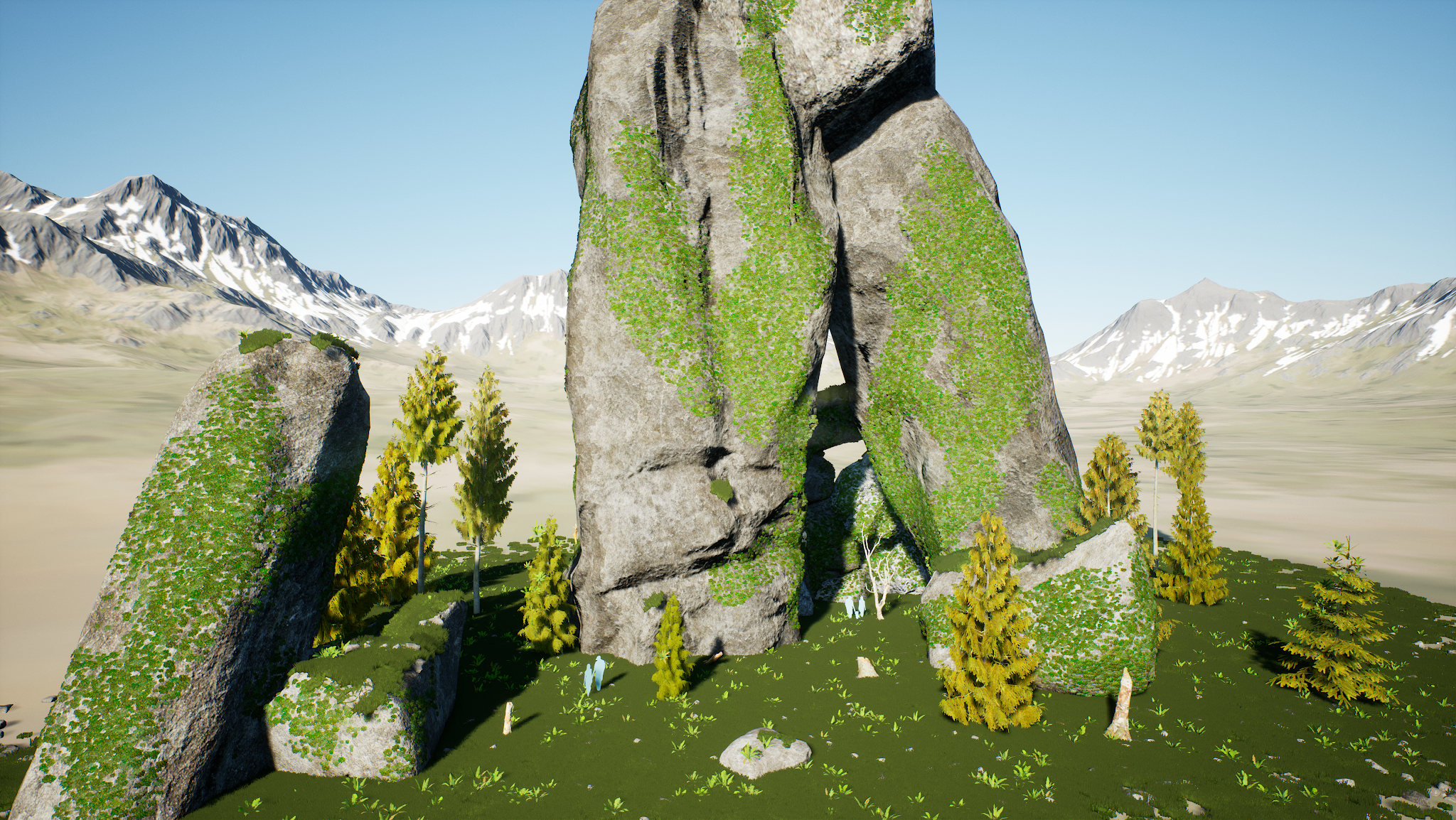
Ancient Site (Mini-Environment)


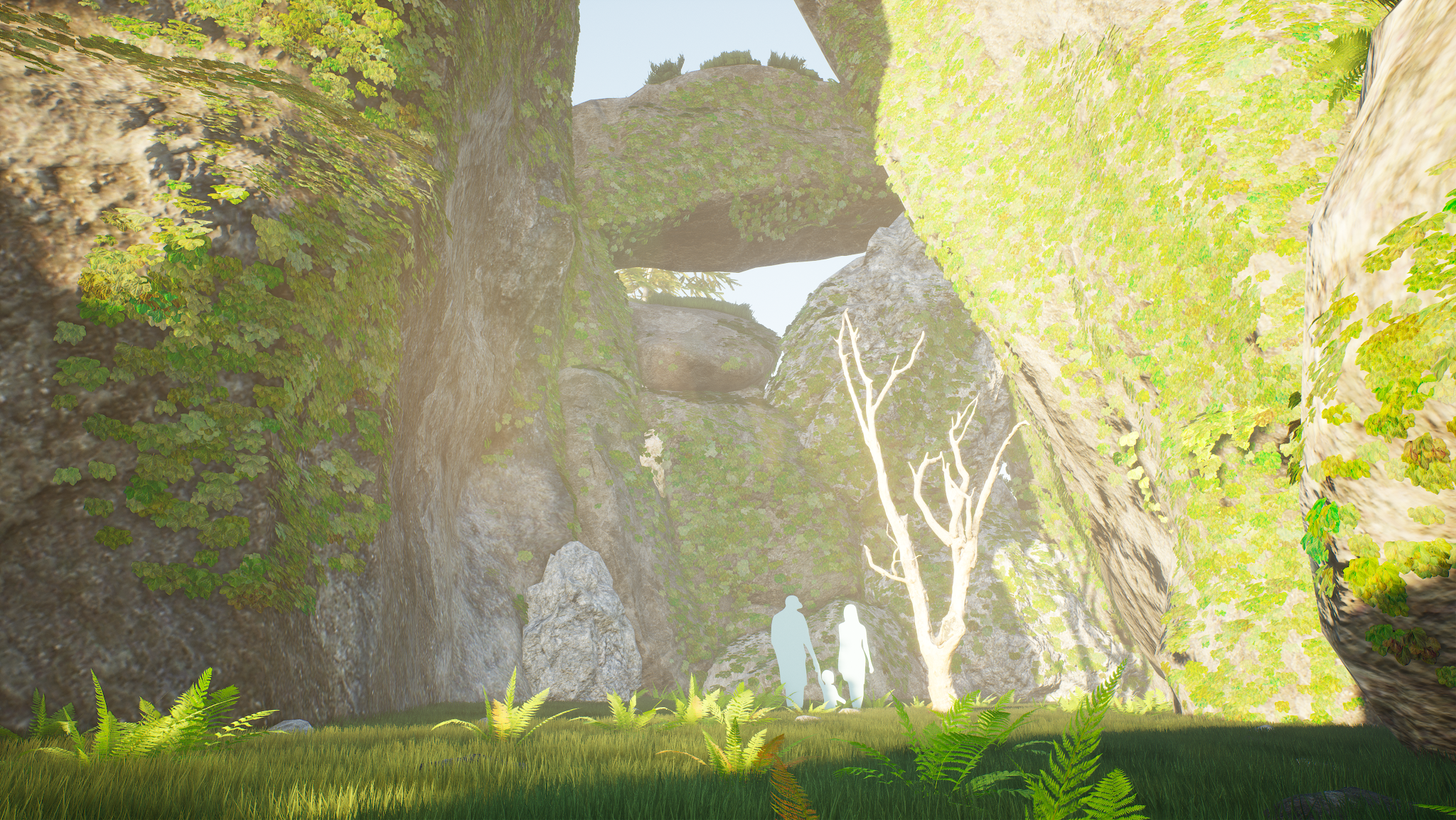
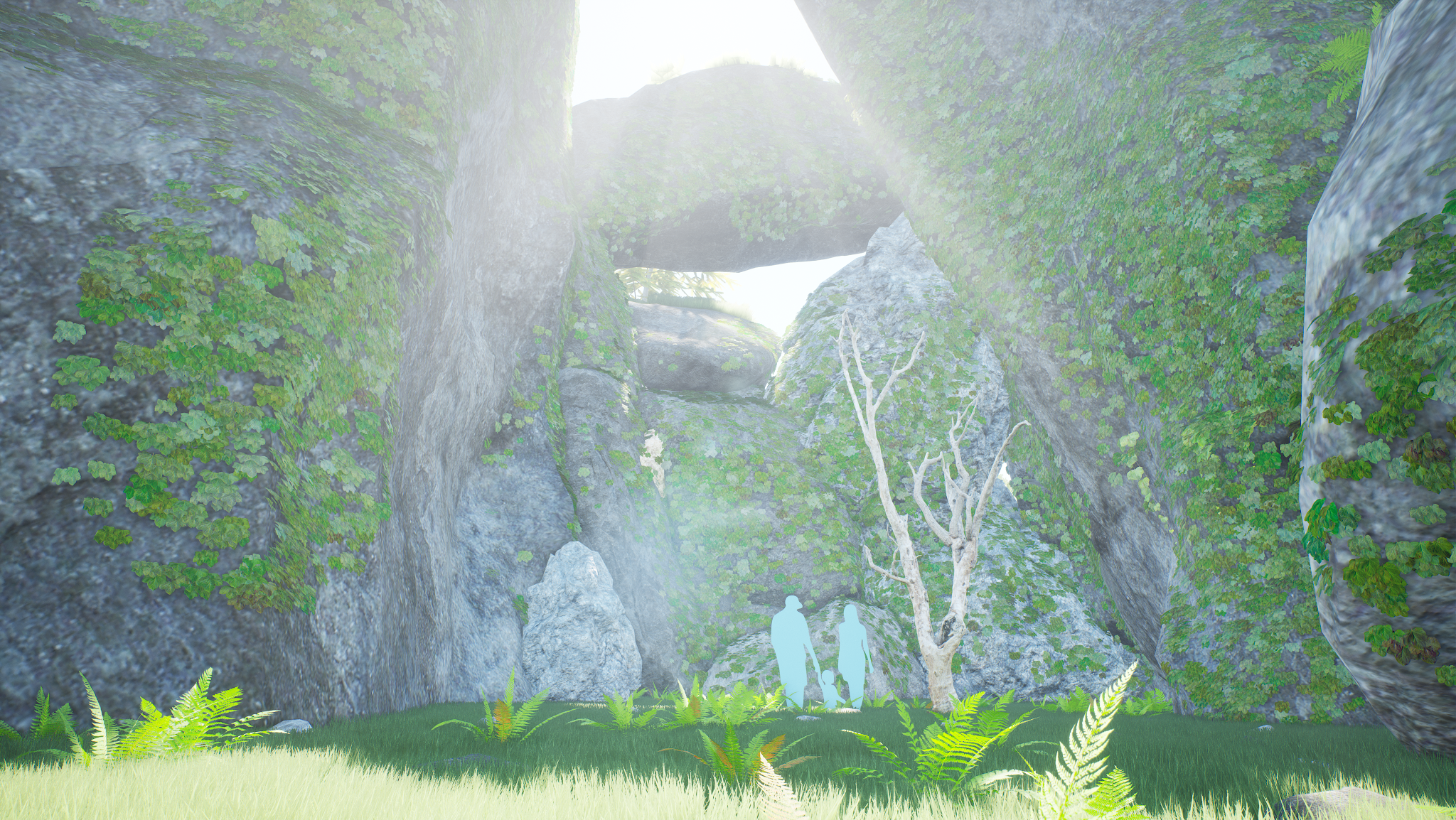
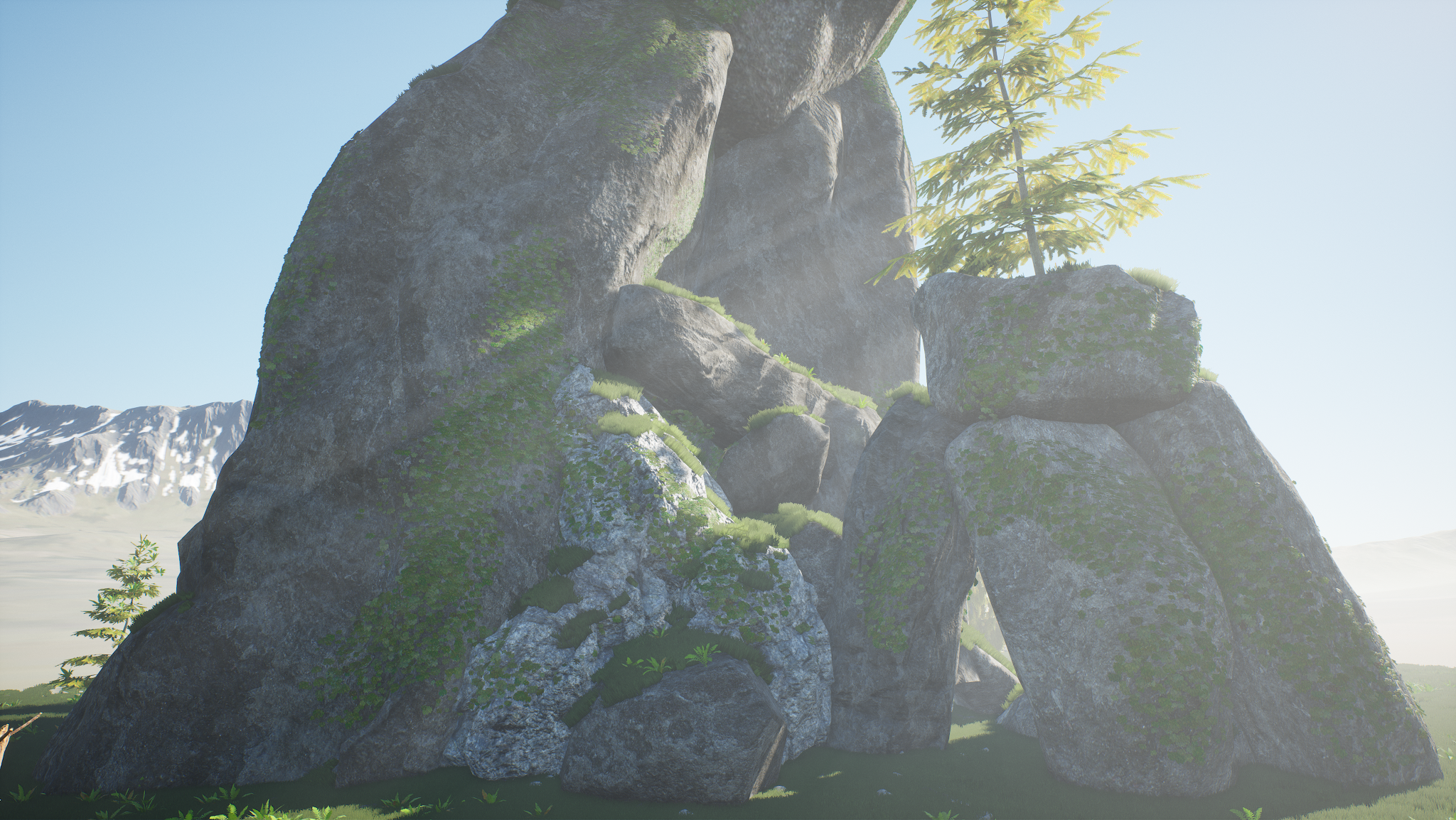
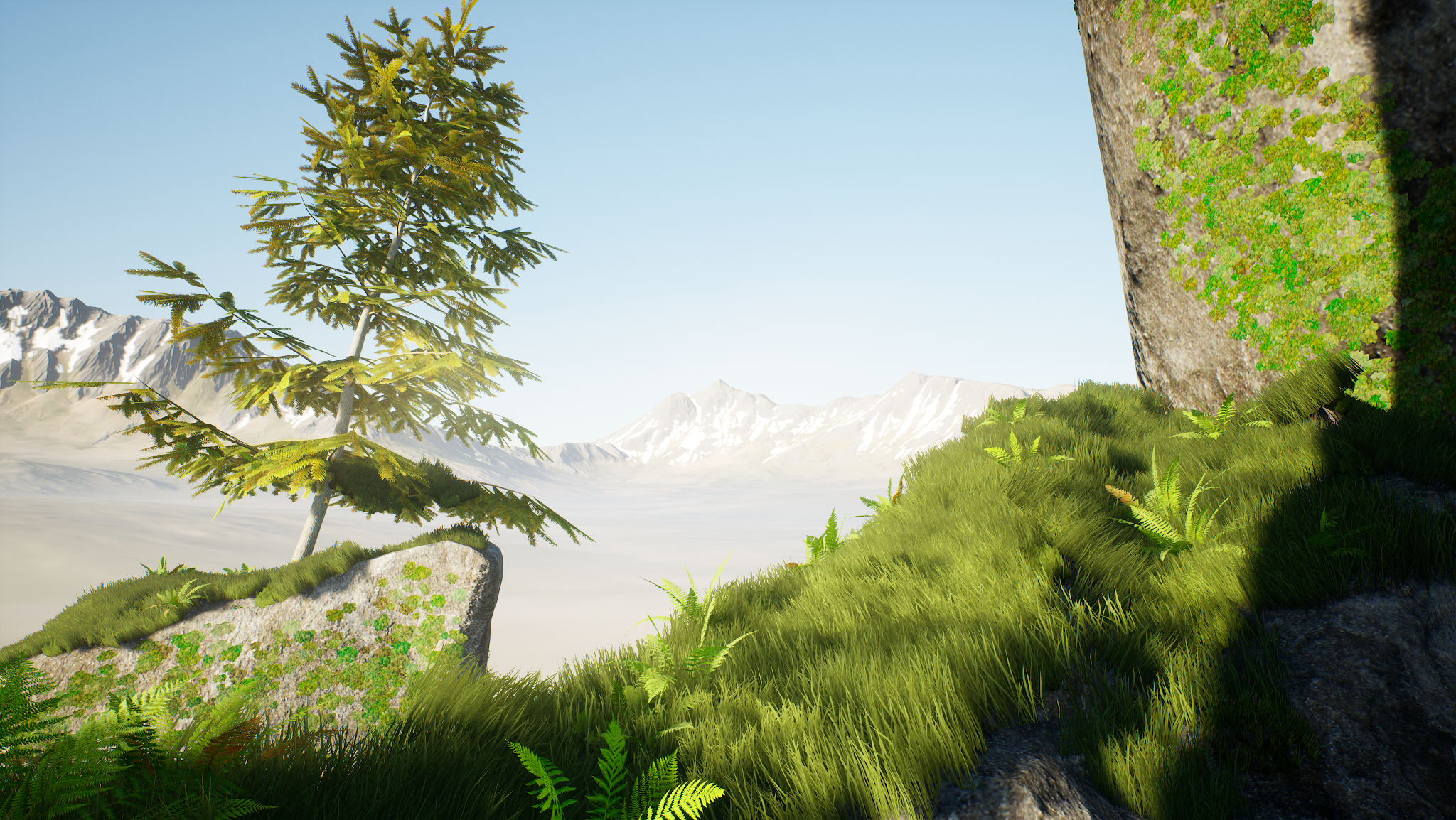
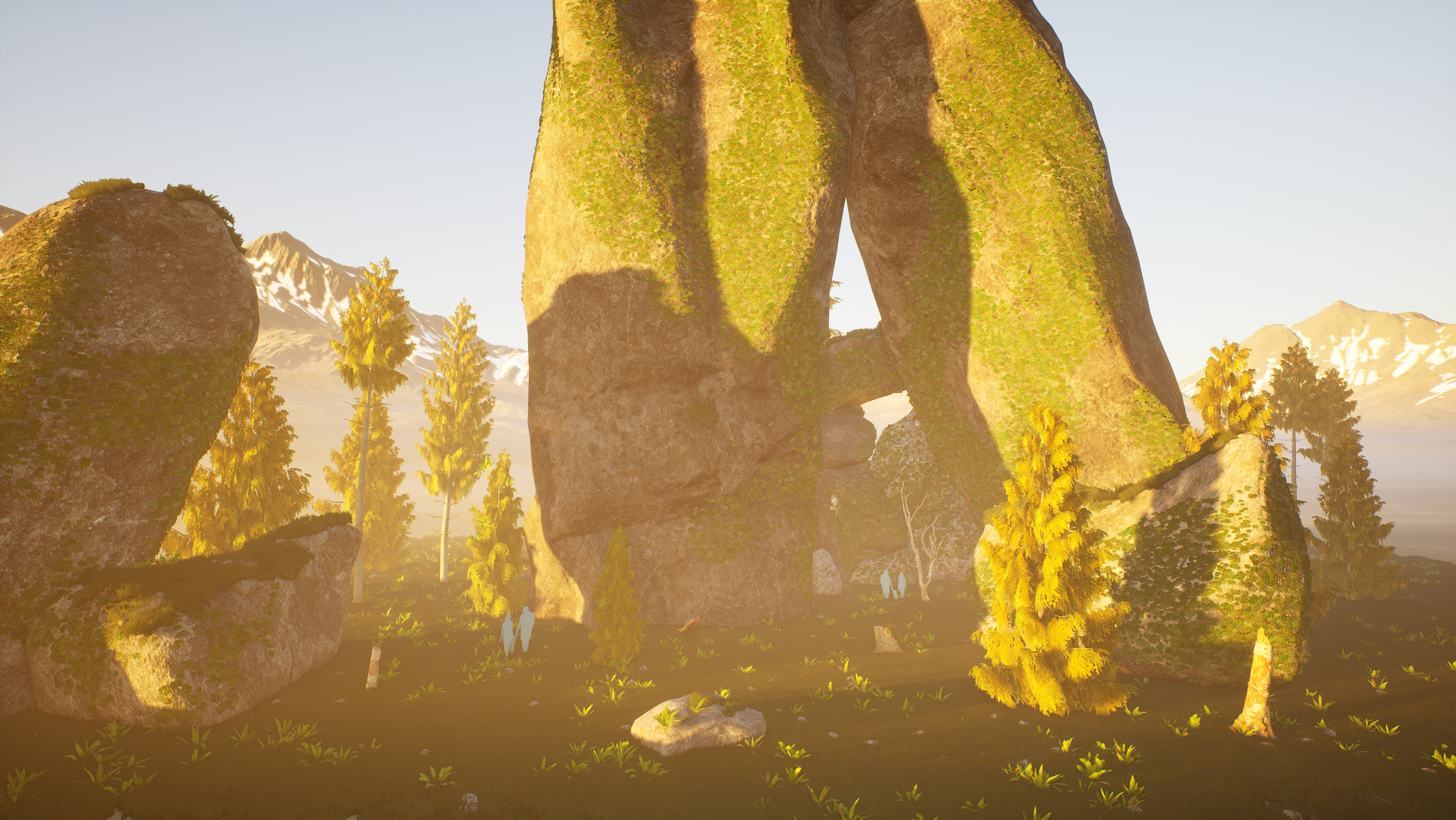
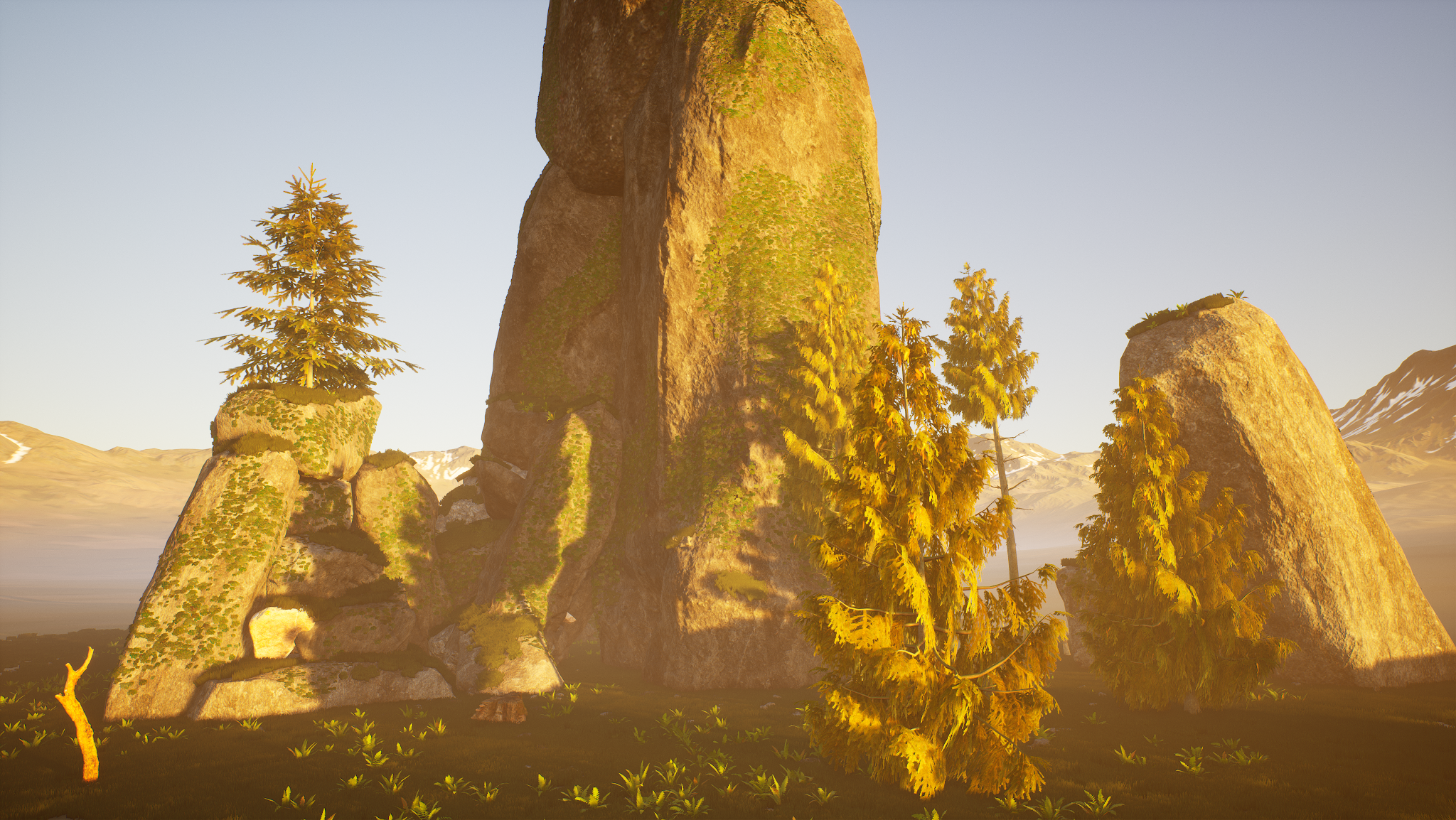
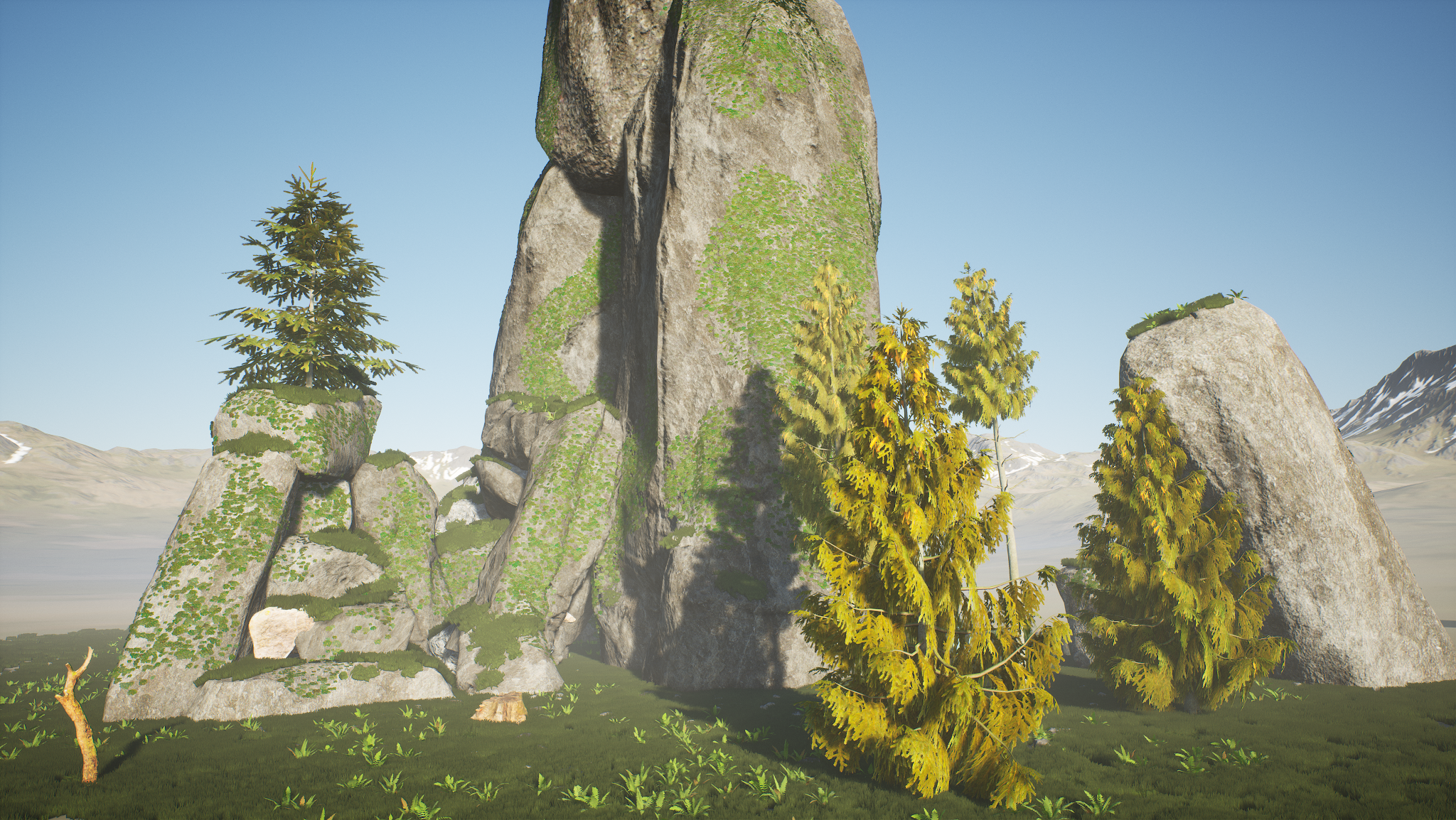
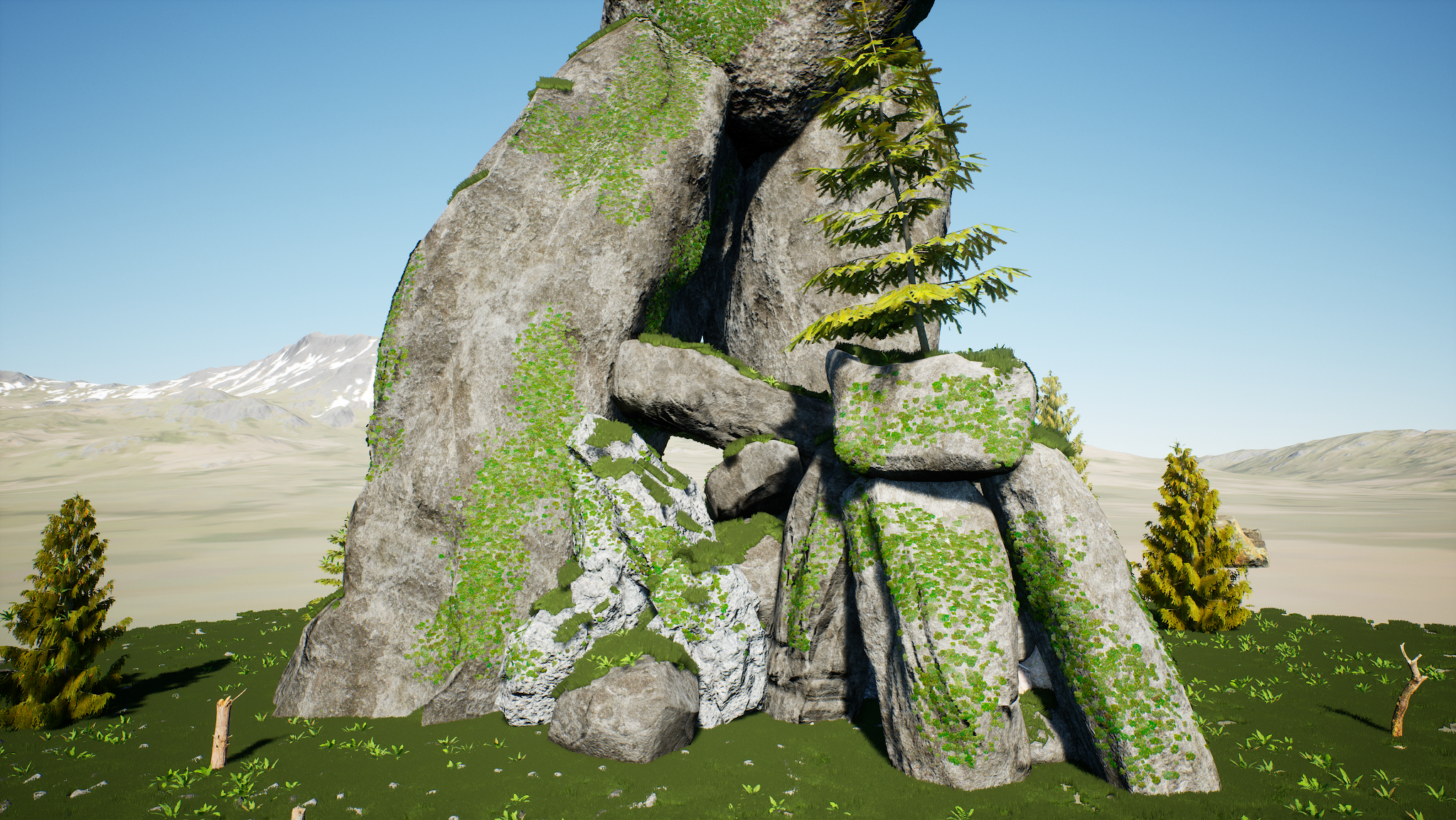
Ancient Site (MegaScans powered mini environment): 
This is the second miniature environment that I created in Unreal Engine 4 using 3D scanned assets created by MegaScans and provided for free use by Epic. I continued to push myself to focus more on the overall environment creation and cohesion instead of spending large amounts of time creating my own assets.

As with the Abandoned mini-environment, I have hand placed all assets (including foliage painting the ivy on the rocks), lit the scene, and set up post processing myself. Additionally, I gave myself an extra challenge and learned how to do a basic render optimization pass so that the scene does not fall below a constant 60fps+ while in play/running. 


Abandoned (Mini-Environment)


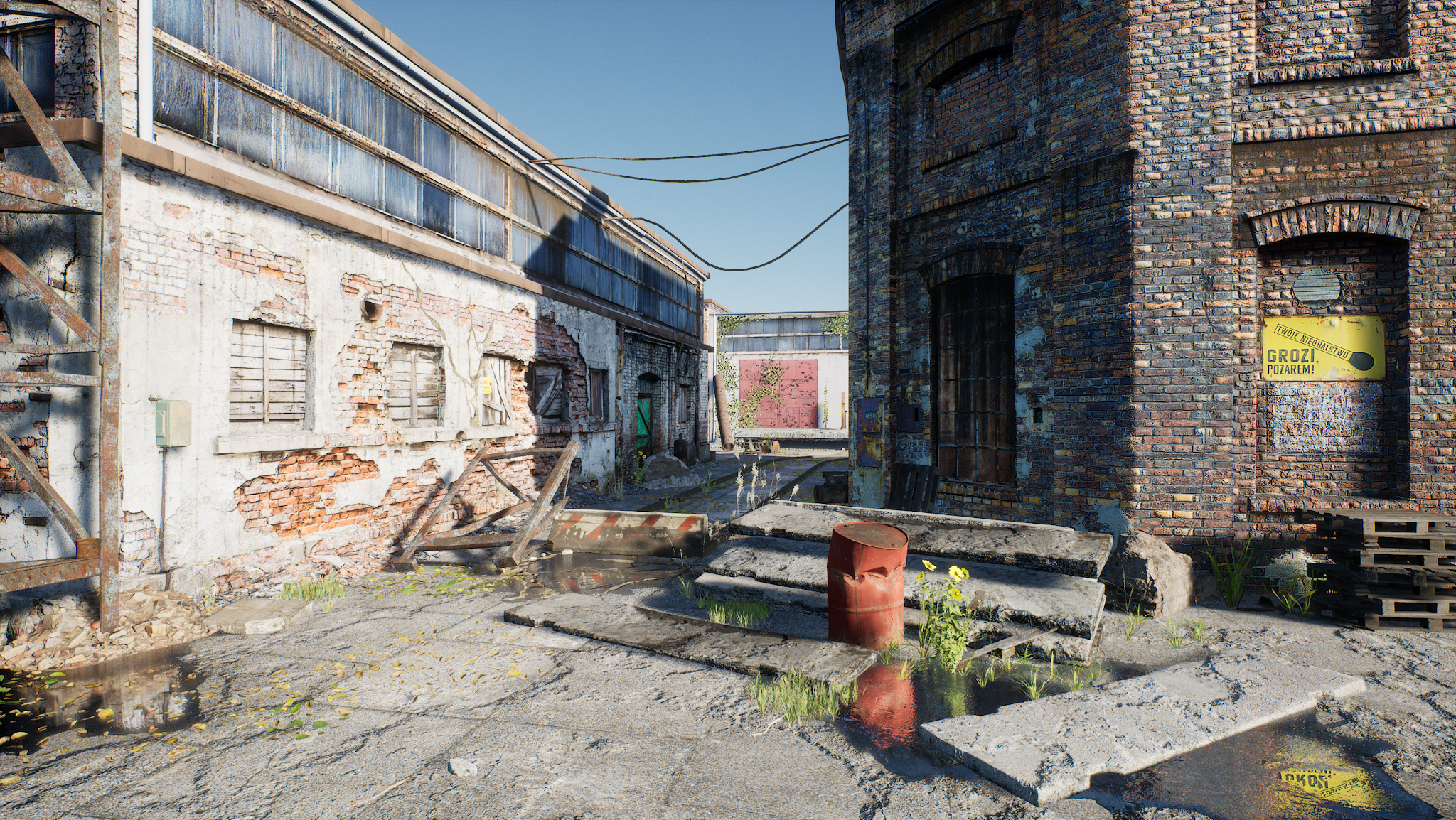
Abandoned (MegaScans powered mini environment): 
For this piece I wanted to focus on placing and lighting a small environment in Unreal Engine 4 without having to manually create all of my own assets (so that I could reproduce a more studio-centric setting with assets created by "other team members"). I accomplished this by using 3D scanned assets created by MegaScans and provided for free use by Epic.
I manually hand placed all assets, lit the scene, and set up post processing to provide the results you see here. 


Kitchen


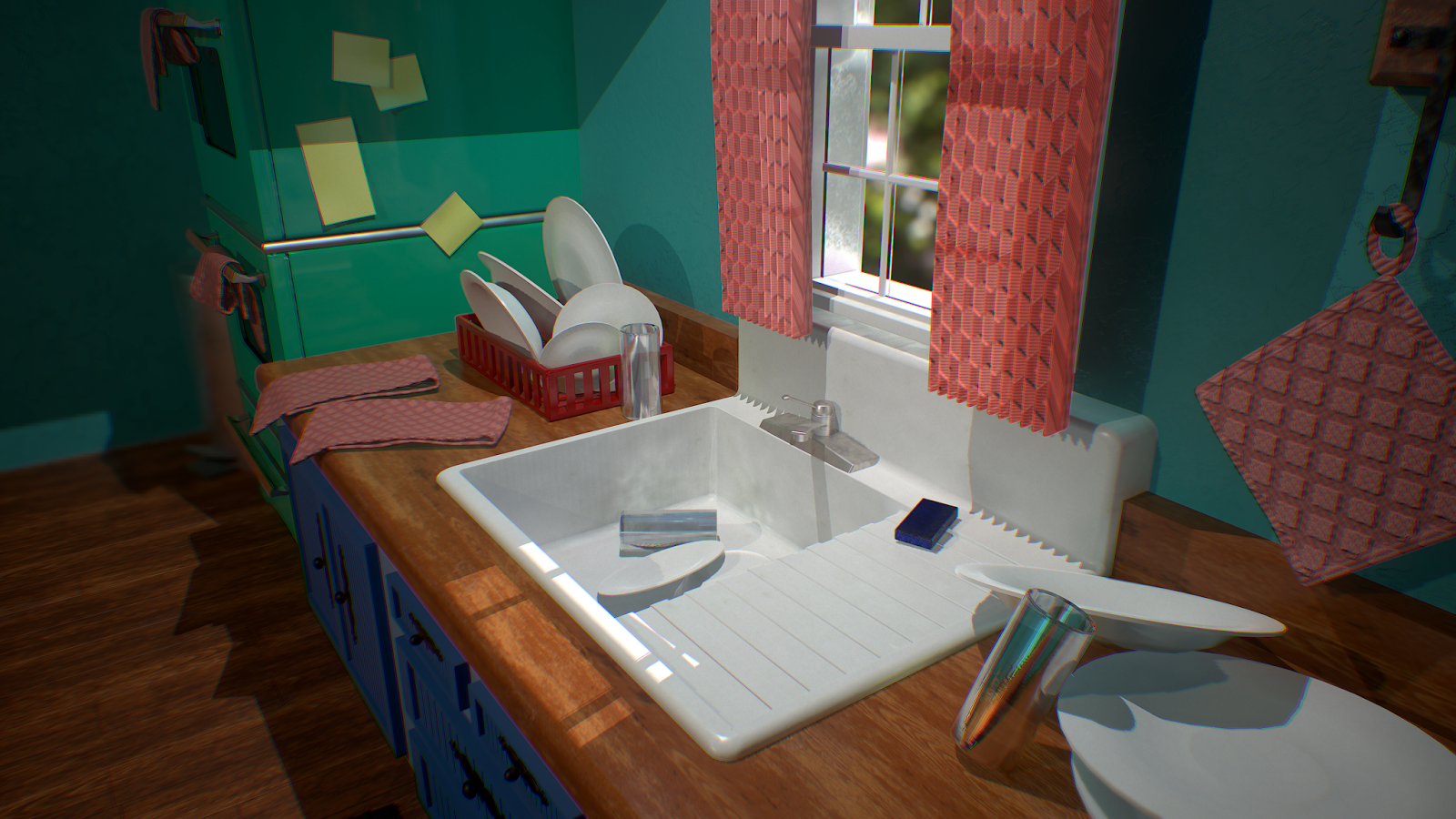
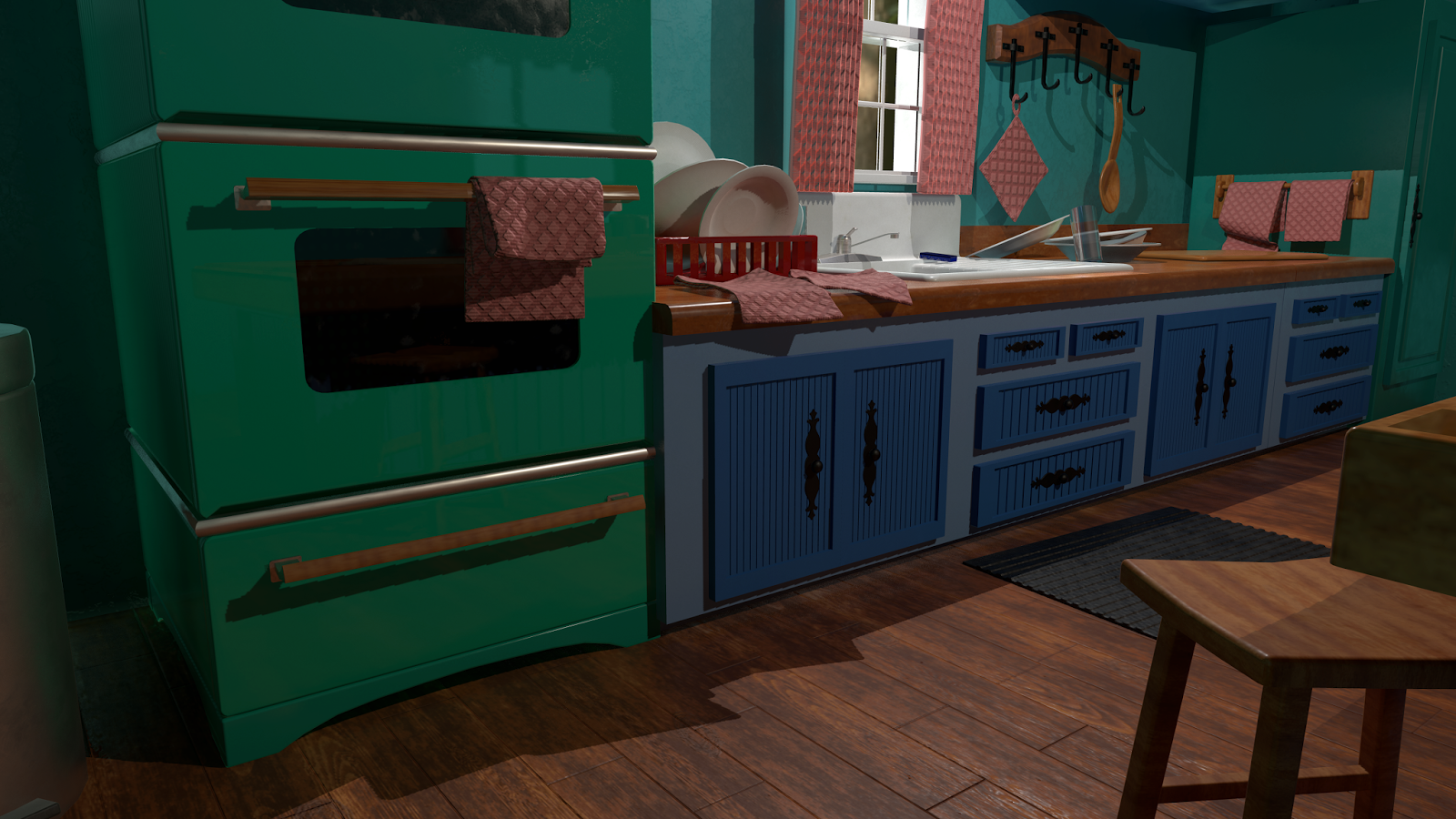
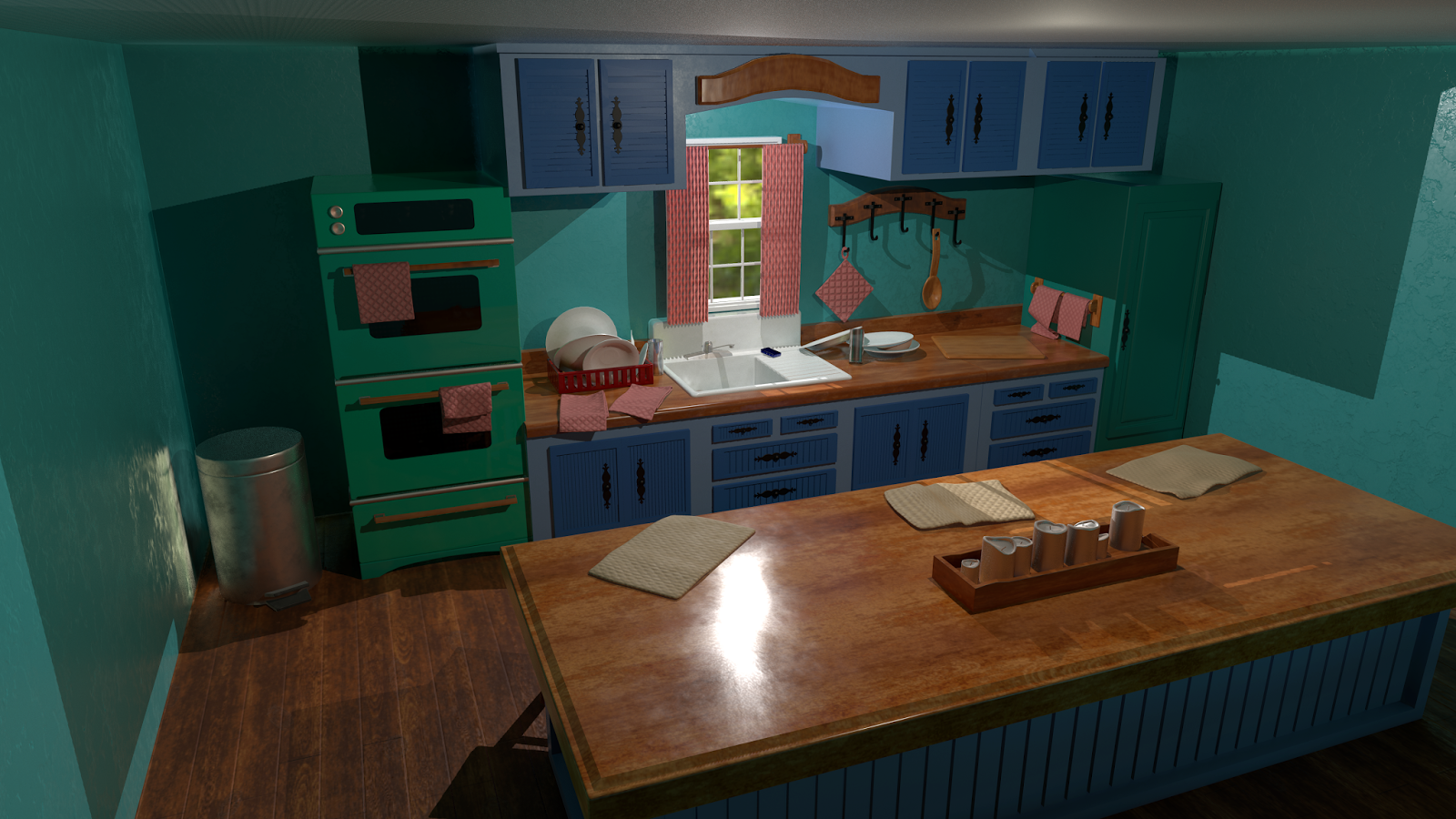
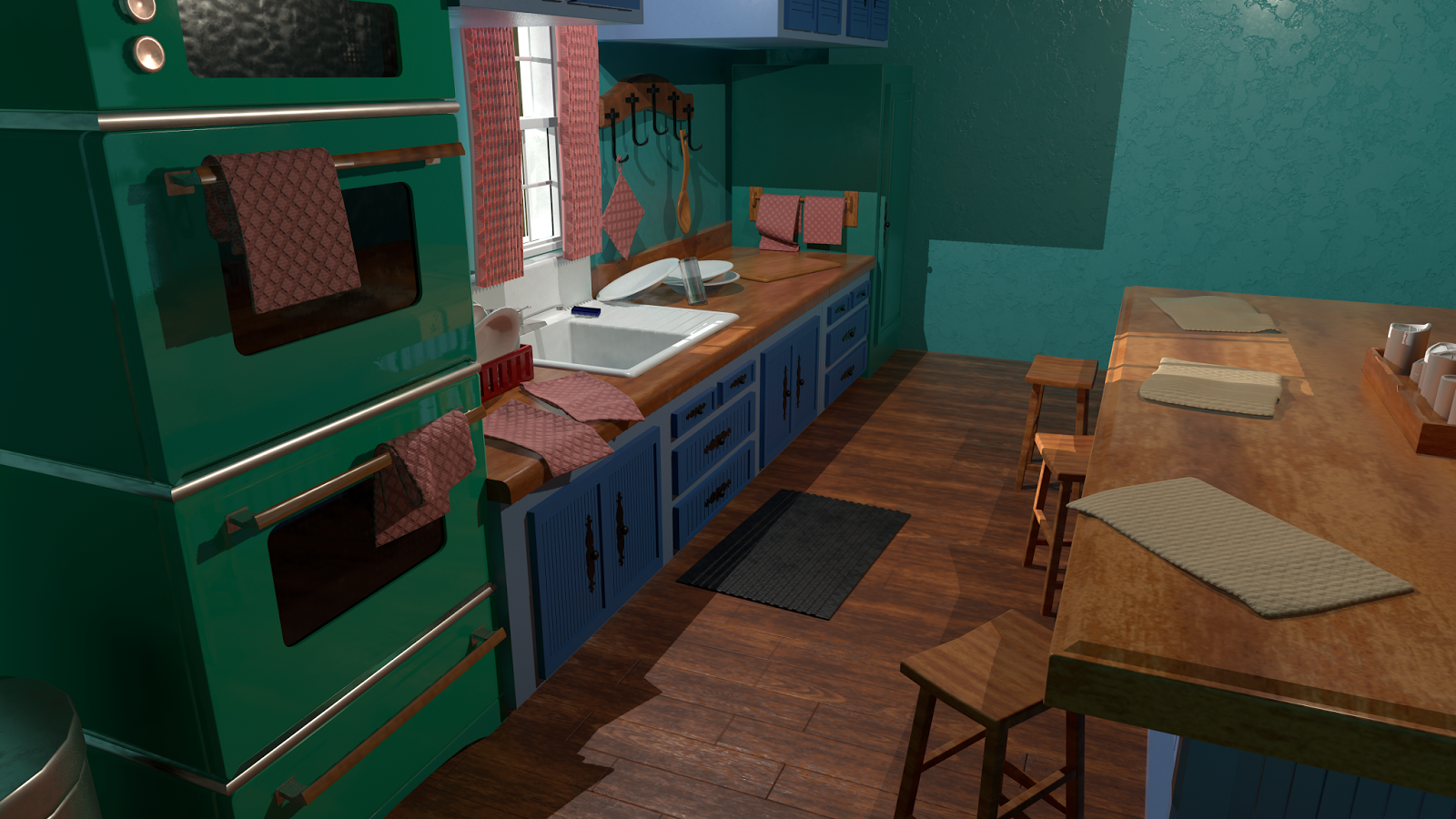
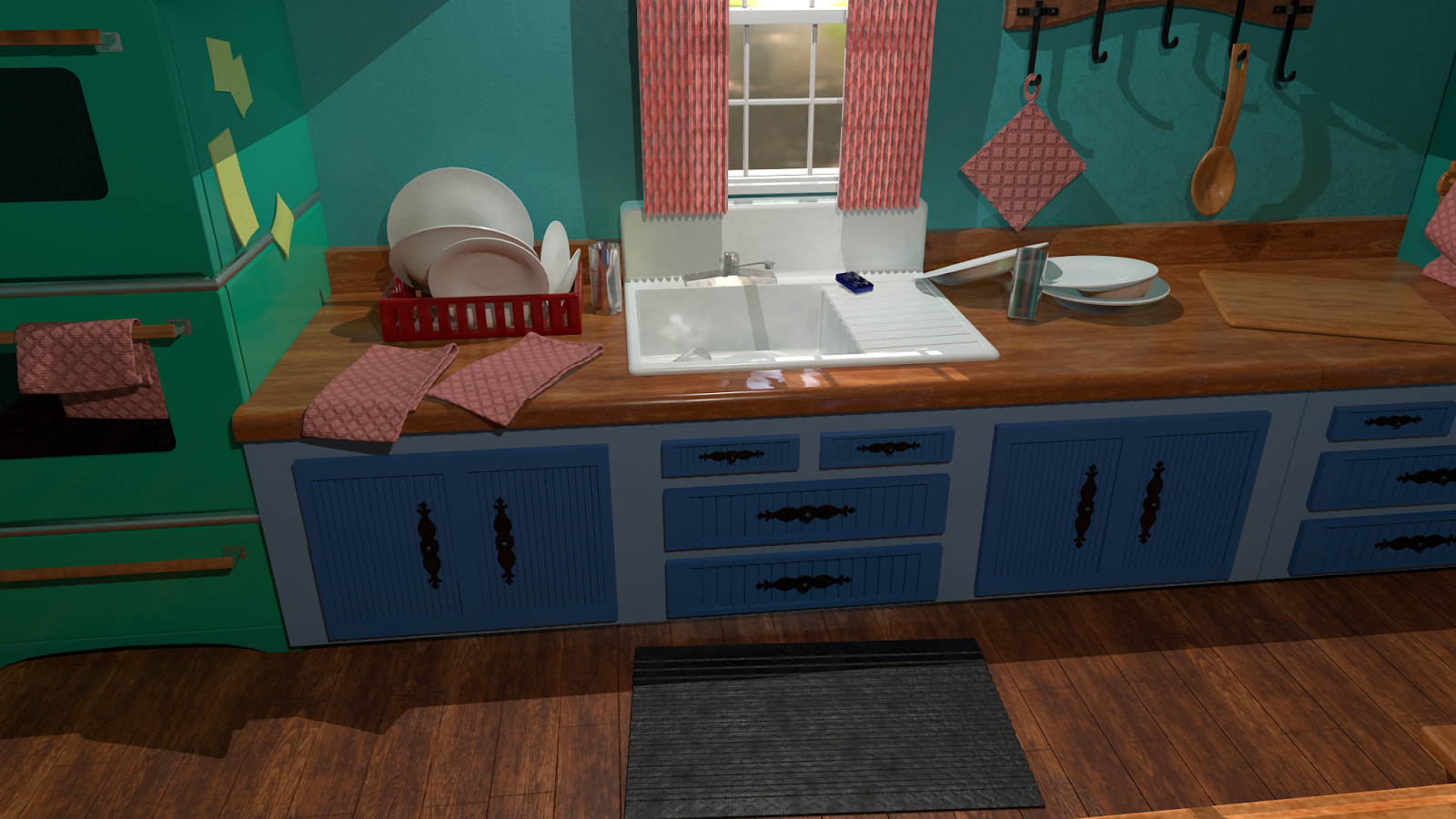
Kitchen Environment: 
The inspiration behind this environment was a kitchen created in the 1950's that has been lived in and upgraded over time. A large amount of reference and inspiration came from houses aged around the 1950's and late 1970's - early 1980's. 

While working on the environment early on it began to take on a more rustic look from those time periods, which I then intentionally continued with moving forward to help everything within the environment feel more cohesive.

I also chose to challenge myself with this environment using only materials that I had created in Substance Designer while also pushing to get the most versatility out of them as possible (without making the material too heavy or complicated).
The finished environment uses ~8 different materials which I was able to use across multiple objects after setting up any parameters I needed within SD to change the materials in real time.

The star of this environment in my opinion would be the wood material. Within the single material (and all the parameters I set up in SD) created, I was able to get a wide variety of output with real time feedback to help all the wood feel cohesive, yet also help it feel distinct.

The final render is done in Marmoset Toolbag 3 with several of the screenshots containing at least some post processing. A few others were taken without any post processing enabled to help with overall scene visibility.


Themed Material Concepting


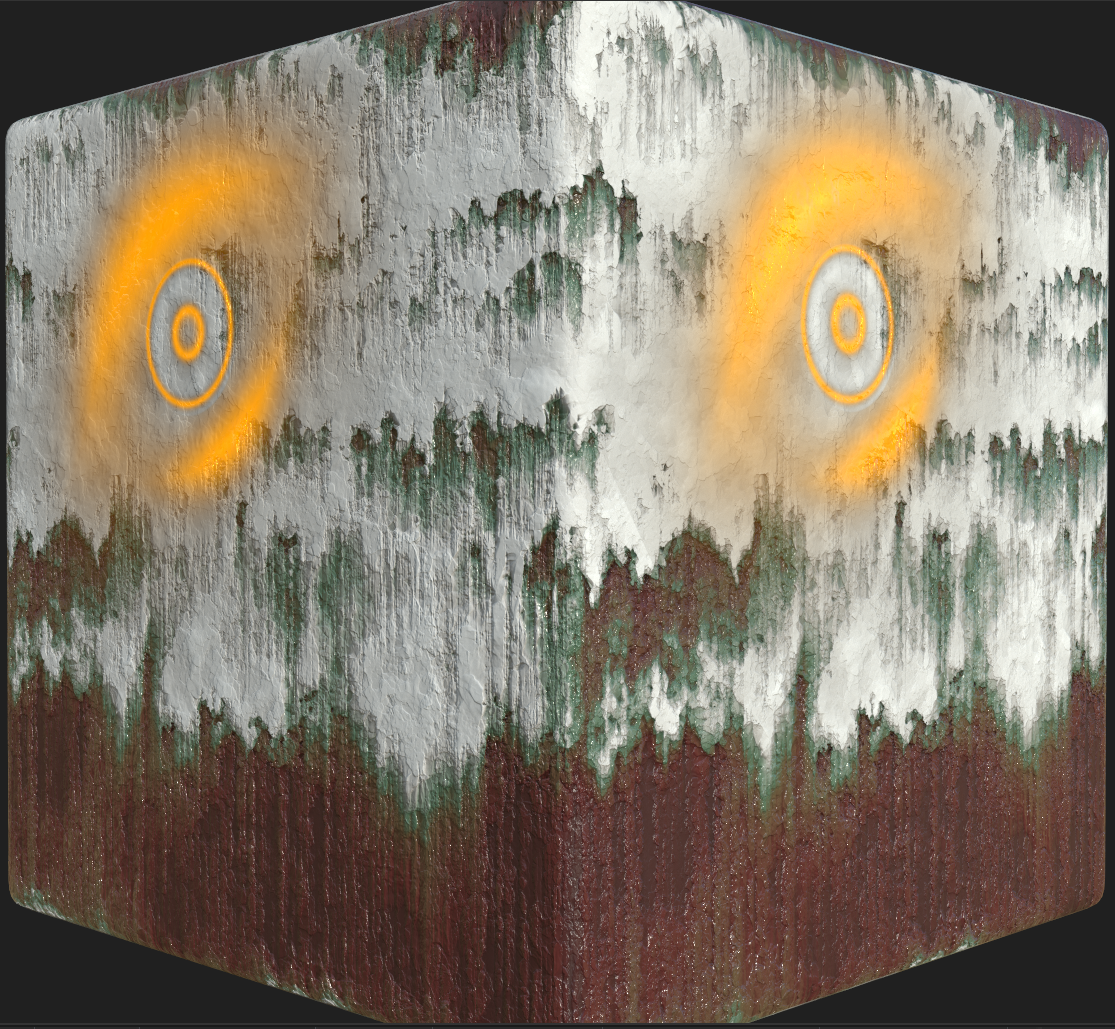
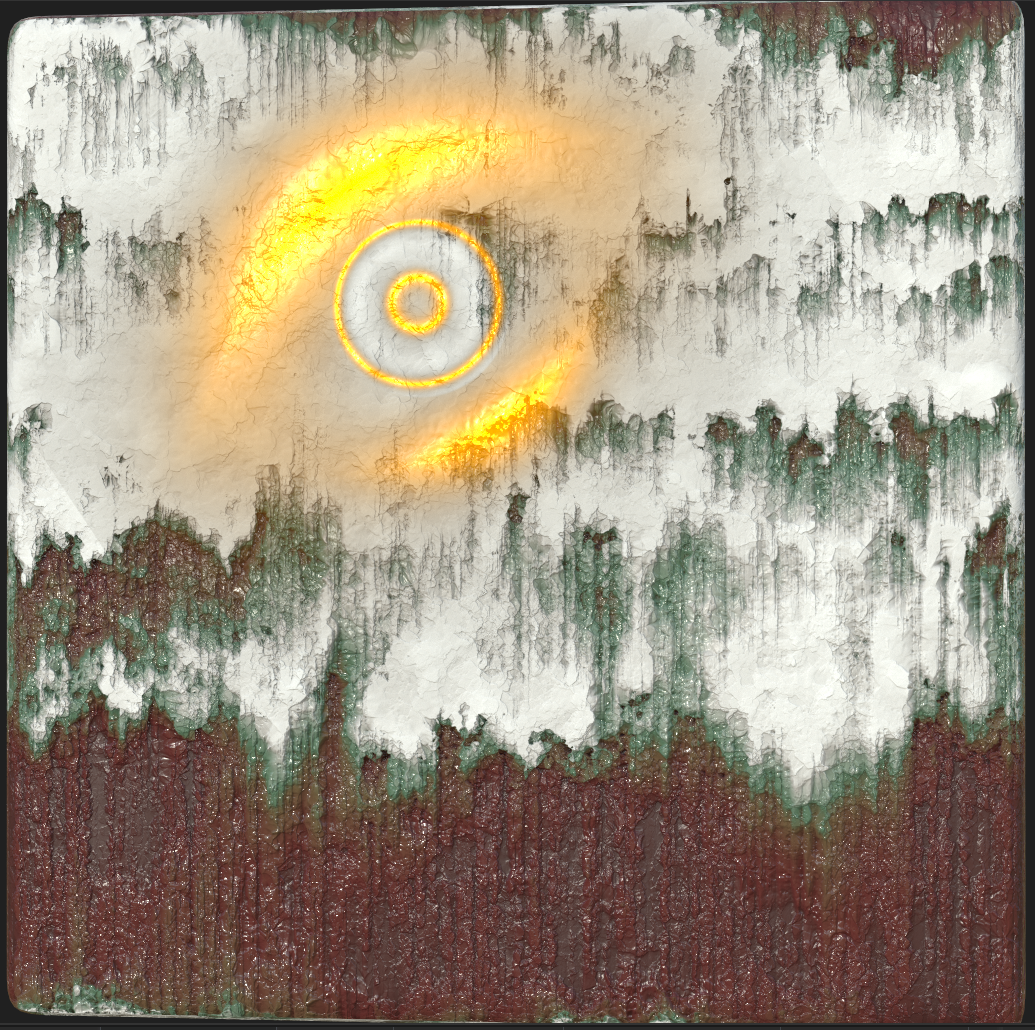
Substance Designer: 

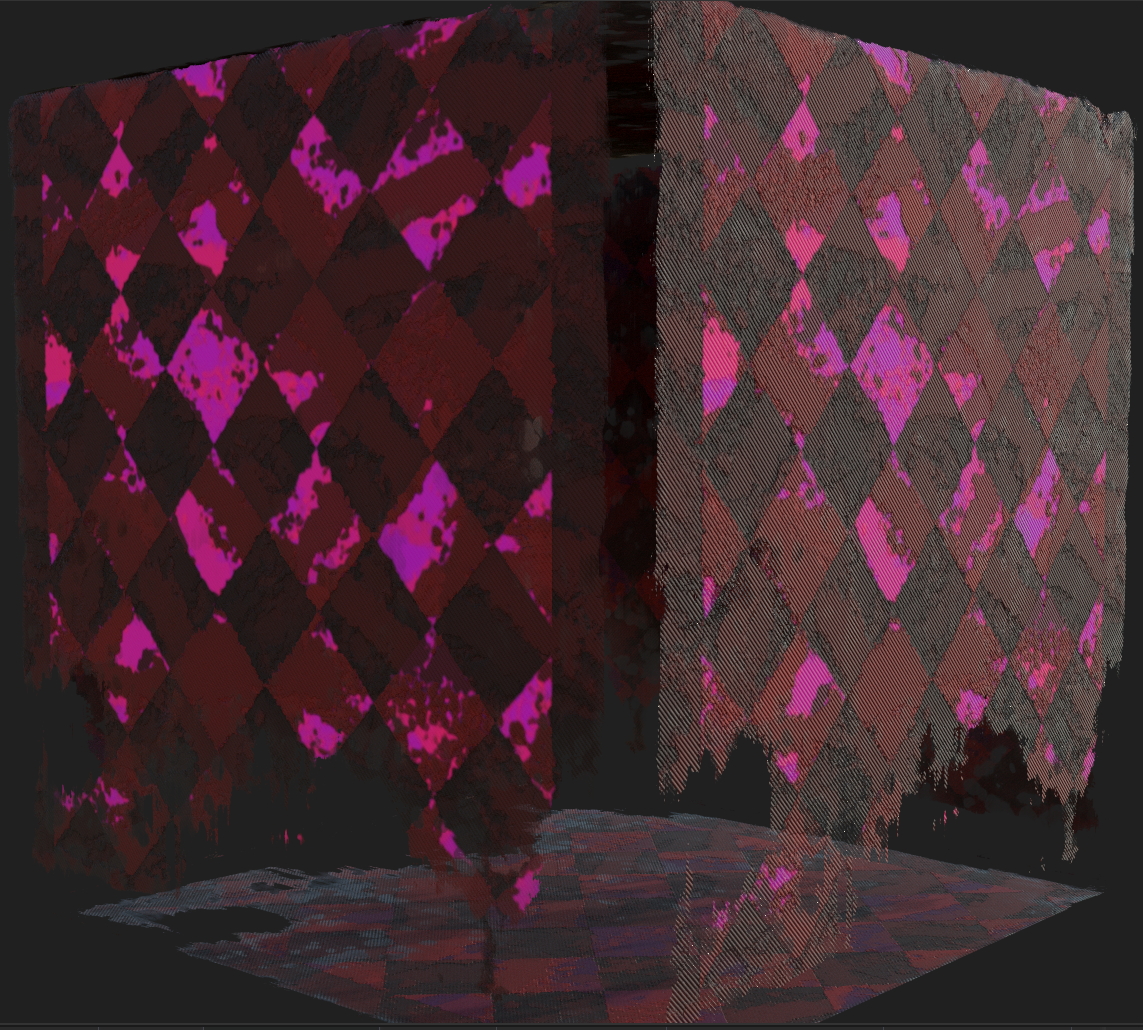
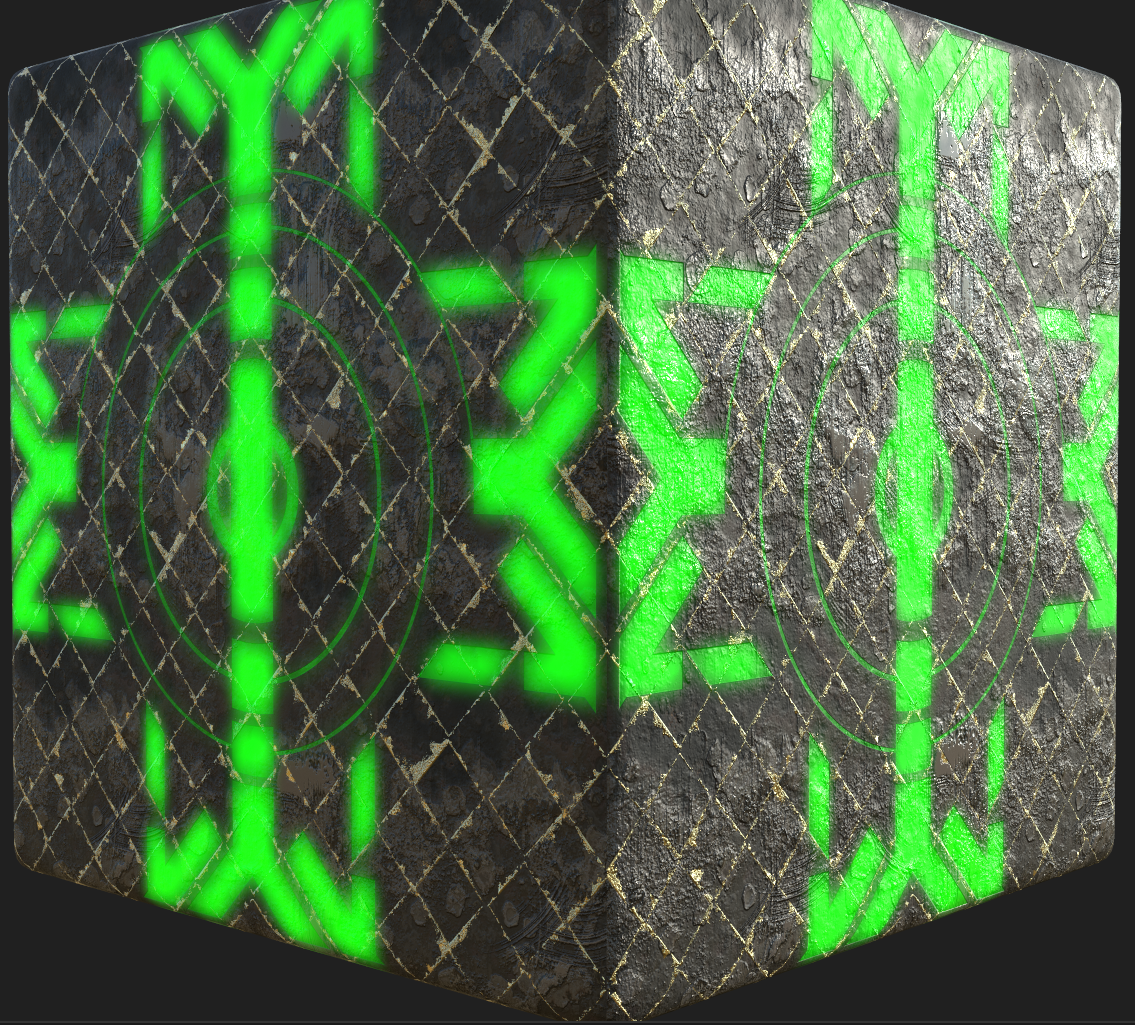
The plan behind this set of materials was to try and quickly concept several different variations of a semi-stylized "futuristic grunge" look. 

The first material I wanted to experiment with light and dark contrast, while also attempting to make the symbol appear almost like a floating hologram.

The second material I shrunk the overall size of the symbol and pushed for a more painterly effect and more color variation. Overall, this one is my personal favorite of the three.

The third material was created to look more like well aged cloth, while pushing a more "splotchy" stylization and smaller overall available color range.

Each material was limited to ~2 hours for both reference look up and creation.
 

Yoshi Timed Challenge


Unreal Engine 4: 

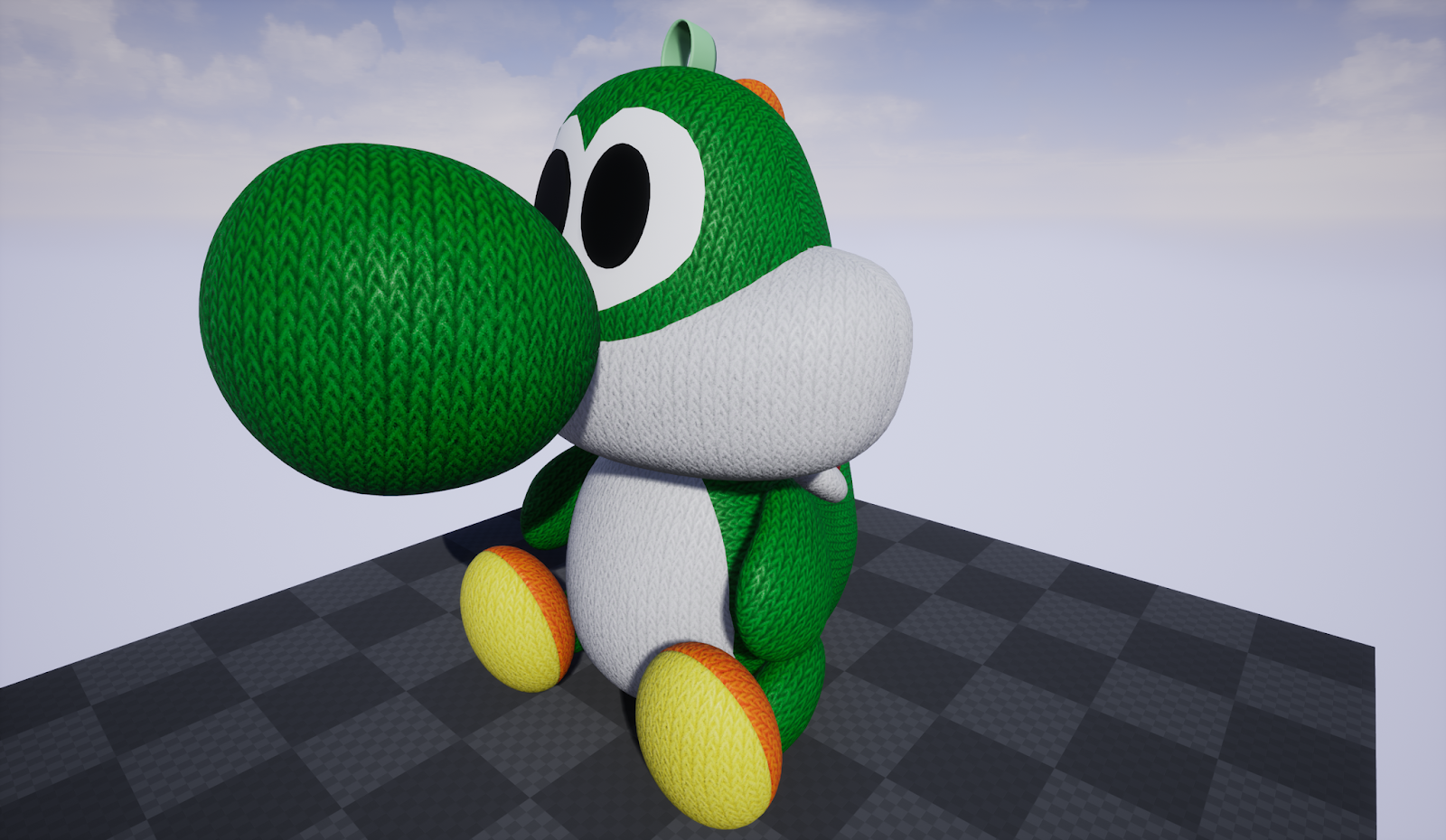
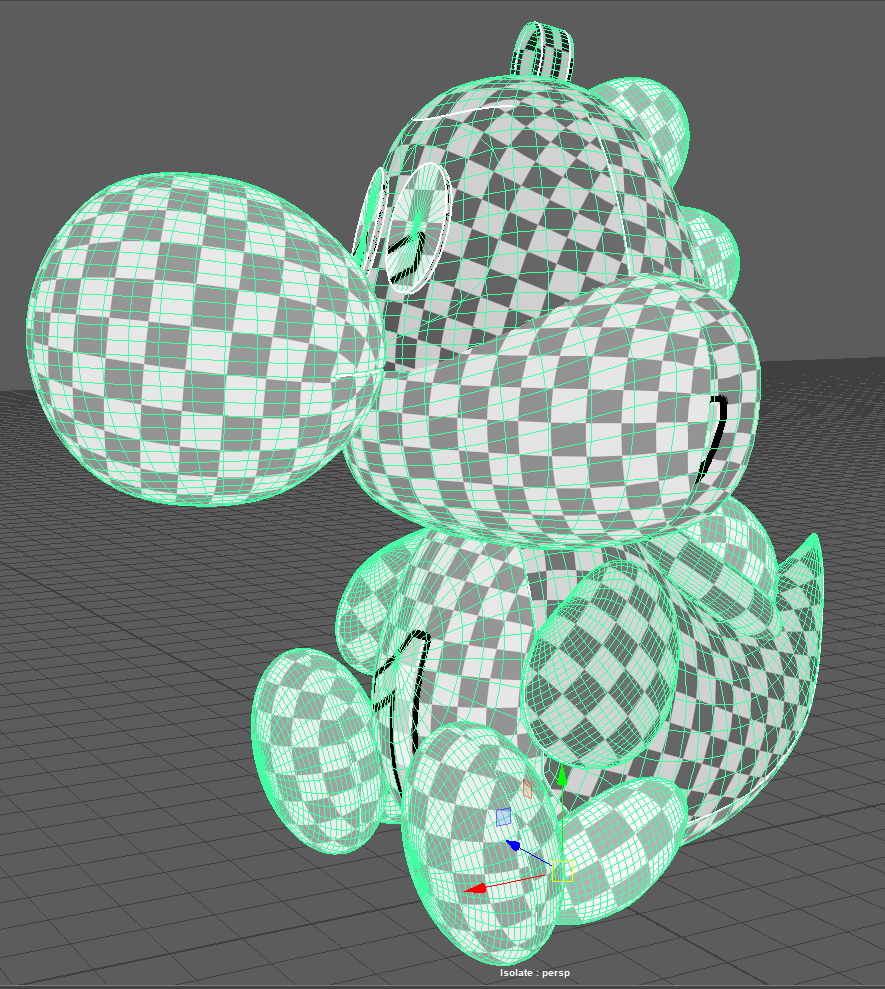
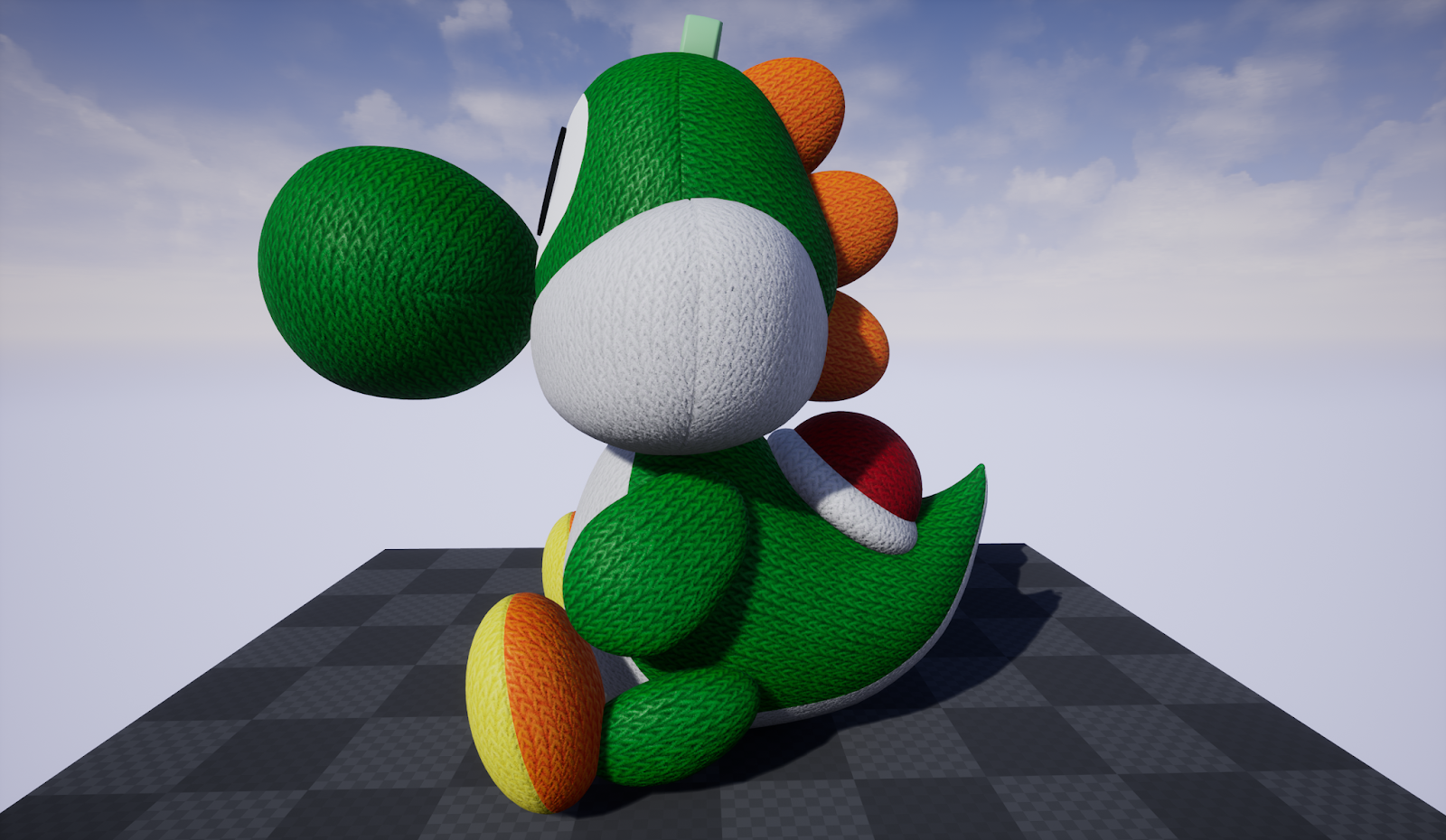
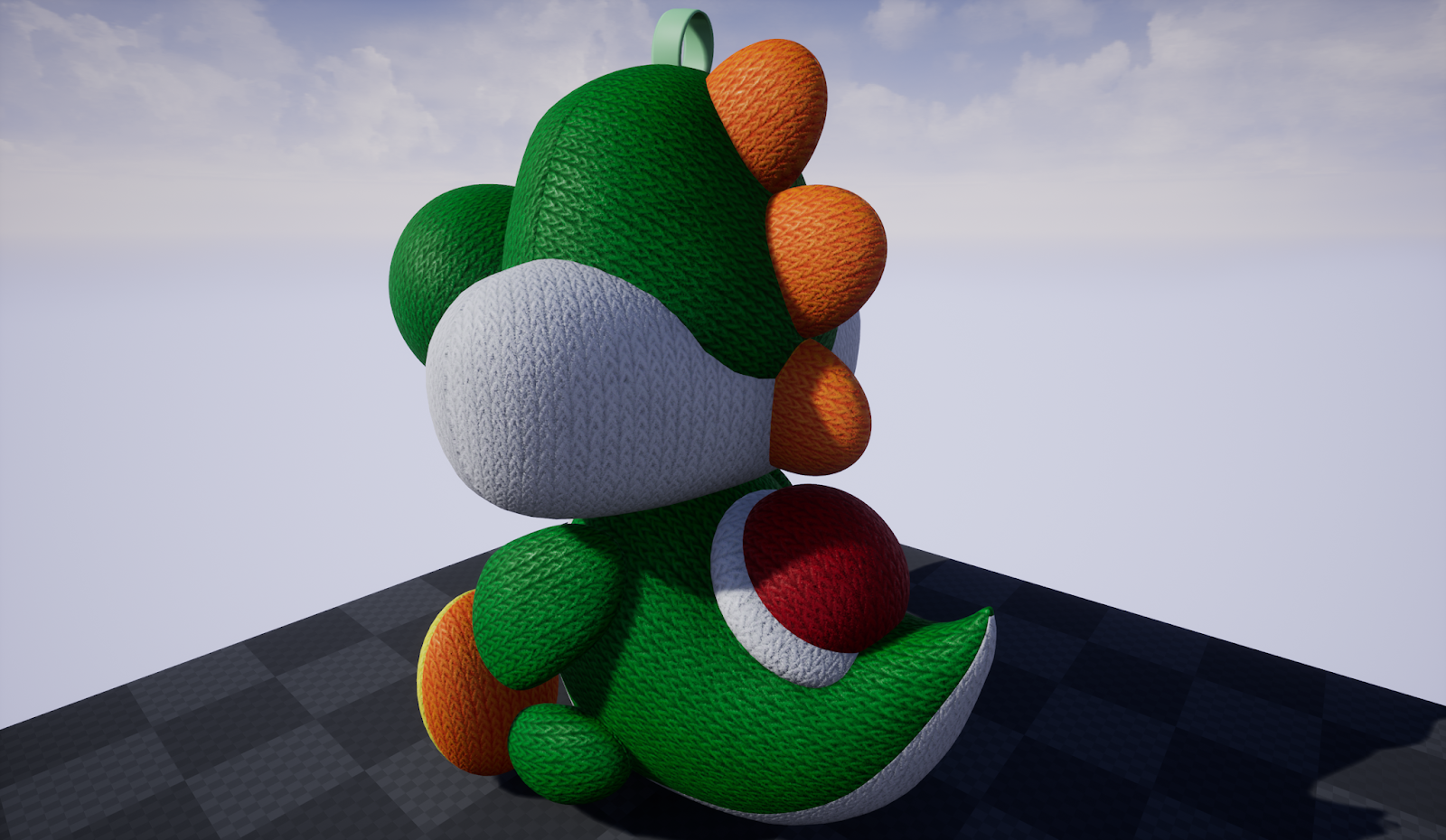
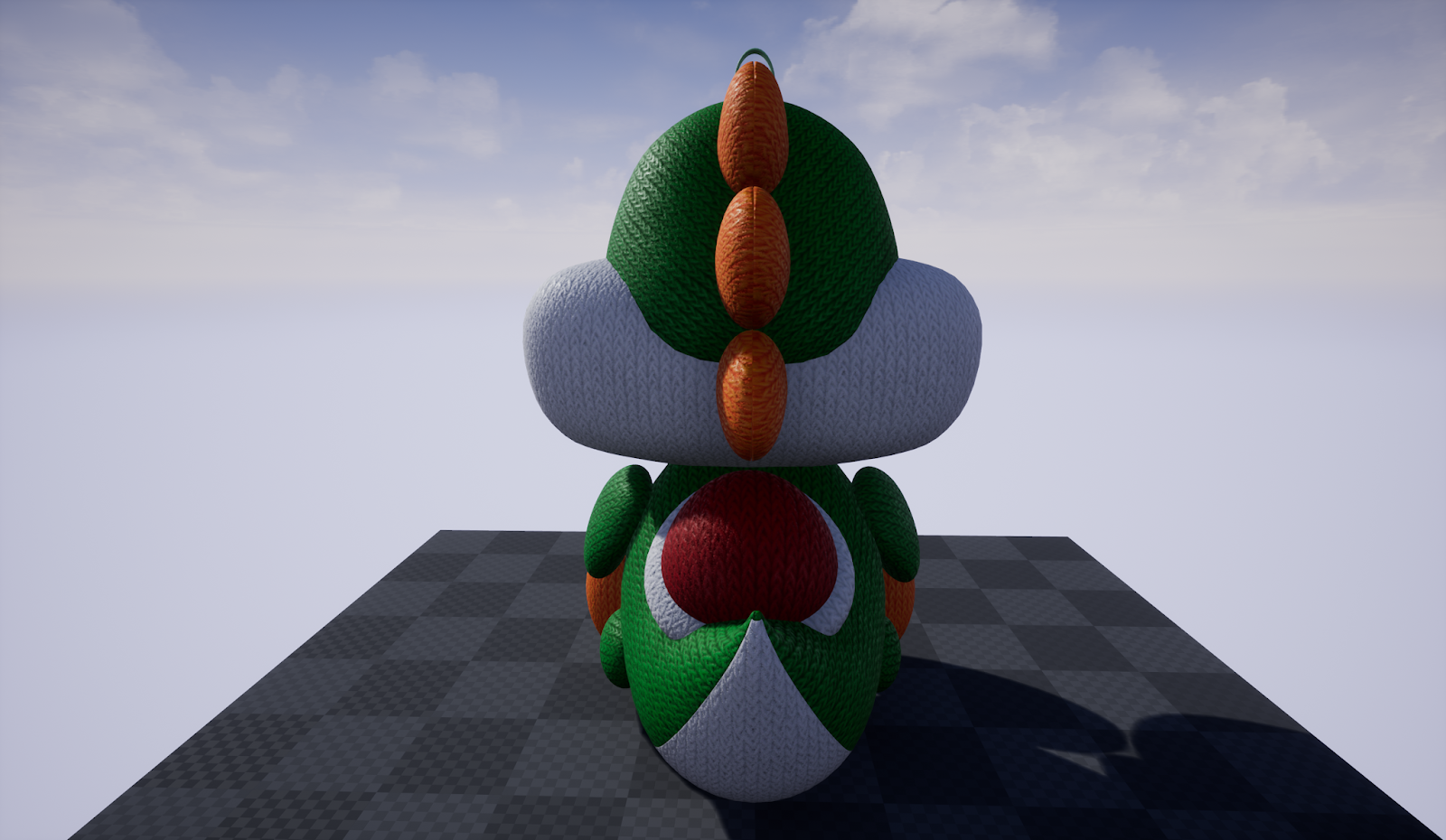
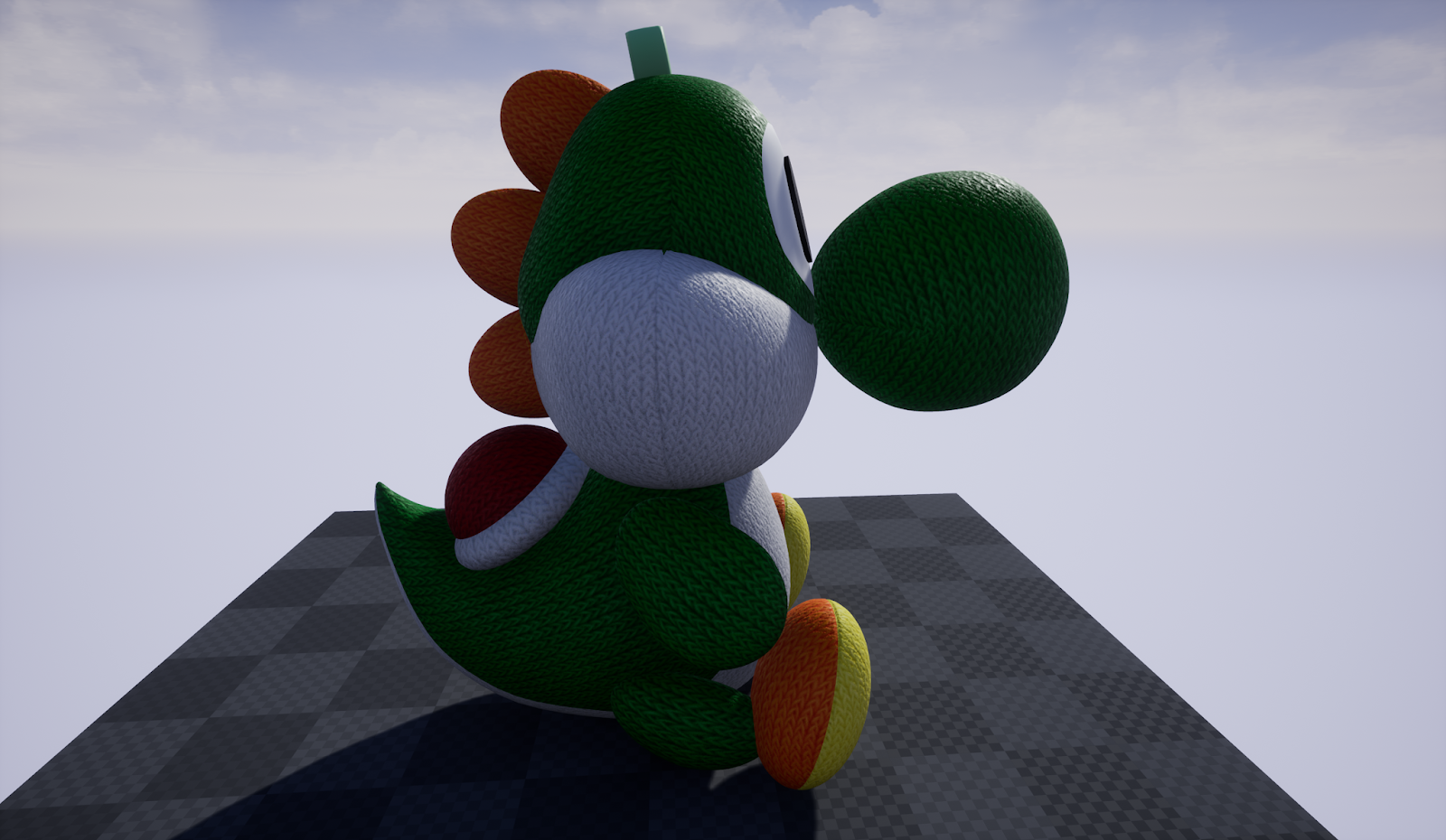
I decided to give myself a 4 hour model/texturing challenge. I didn't want something too complicated because I wanted to be able to complete it within the limited time frame, so I also chose not to worry about poly/vertex count for this challenge.

The mesh itself was modeled and UV'd in Maya, the material created in substance designer, and then sent to Unreal Engine 4 for a quick turn table render. 


Back To Top